Choose Your Study Material
Select the format that works best for your learning style
Save More with Bundles
Get multiple formats at a discounted price
PDF + Test Engine
Best of both worlds - study offline with PDF and practice online
$70
PDF + AI Test Engine
Study materials plus intelligent AI-powered practice tests
$90
Best Value - Get Everything!
All-in-One Package
Complete access to PDF, Test Engine, and AI Test Engine
$100
Exam Overview
What's Included in the Cisco 100-140 Practice Test?
The CertsLibrary 100-140 question bank contains 100 advertised questions and answers.
The official exam objectives cover practical IT support topics such as:
- Help desk ticketing systems and service-level agreements
- Troubleshooting methodology and support documentation
- Desktop hardware, memory, storage, and peripherals
- Windows and macOS support
- Mobile device troubleshooting
- Basic networking, DNS, DHCP, and IP addressing
- Network diagnostic commands
- User accounts, permissions, and multifactor authentication
- Cloud services and virtualization
- Malware, phishing, and social engineering
- Remote support tools
- AI-assisted troubleshooting and its limitations
Check the actual question bank against Cisco's six official exam sections before claiming full syllabus coverage.
Choose Your Cisco CCST IT Support Study Format
| Study Format | Best Suited For | Price |
|---|---|---|
| PDF Questions & Answers | Reading and offline revision | $40 |
| Web-Based Test Engine | Interactive question practice | $50 |
| AI Test Engine | AI-assisted study | $65 |
| PDF + Web Test Engine | PDF and interactive practice | $70 |
| PDF + AI Test Engine | PDF and AI-assisted practice | $90 |
| All-in-One Package | All three formats | $100 |
Which Study Format Should You Choose?
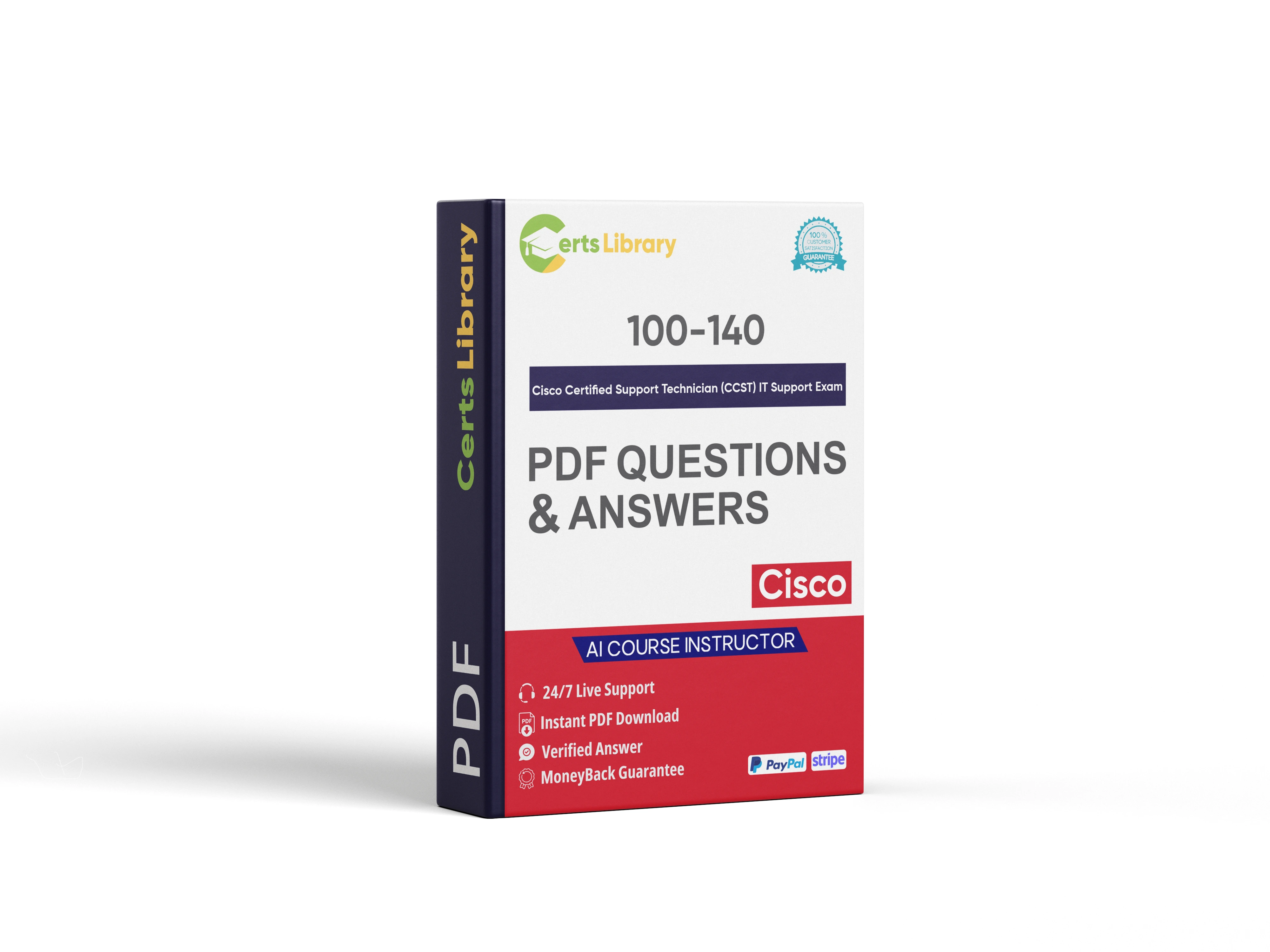
PDF Questions & Answers: Useful for reviewing troubleshooting scenarios, learning technical terminology, and revisiting questions at your own pace.
Web-Based Test Engine: Useful for practicing questions through an interactive interface.
AI Test Engine: Intended for AI-assisted learning. Review its actual feedback and analysis features before purchasing.
All-in-One Package: Combines all three formats for learners who prefer flexibility.
Save $55 with the All-in-One Package
Purchasing the PDF, Web-Based Test Engine, and AI Test Engine individually costs $155.
The All-in-One Package costs $100, saving $55, approximately 35.5%.
What Is the Cisco 100-140 CCST IT Support Exam?
The Cisco Certified Support Technician (CCST) IT Support certification validates foundational knowledge and skills for entry-level IT support roles.
The exam focuses on everyday technical support responsibilities, including assisting end users, identifying hardware problems, troubleshooting network access, resolving operating system issues, and following security procedures.
It is relevant to people preparing for help desk, desktop support, and IT support technician positions.
Cisco 100-140 Exam Quick Facts
| Attribute | Details |
|---|---|
| Exam Code | 100-140 |
| Exam Name | Cisco Certified Support Technician (CCST) IT Support |
| Provider | Cisco |
| Level | Entry-level |
| Exam Status | Active |
| Exam Duration | 50 minutes |
| Official Exam Price | US$125 |
| Languages | English, Arabic, Chinese, Spanish, French, Japanese, Portuguese |
| Official Exam Topic Sections | Six |
| Official Question Count | Not fixed publicly; may vary |
| Published Passing Score | Not specified on Cisco's exam page |
| CertsLibrary Question Bank | 100 questions |
| CertsLibrary Last Updated | May 7, 2026 |
The 100 questions advertised by CertsLibrary are part of its third-party practice bank, not the official Cisco exam question count.
Official reference: Cisco 100-140 Exam Information
Cisco 100-140 Official Exam Topics
Cisco publishes six major sections for the CCST IT Support examination.
1. IT Support Job Tasks and Responsibilities
This section focuses on the daily responsibilities of an IT support technician.
Important topics:
- Help desk concepts
- Ticketing systems
- Queue management
- Time management
- Service-level agreements
- Key performance indicators
- Professional support documentation
- Customer communication
- Troubleshooting methodology
- Problem escalation
Example scenario: A user reports that their printer is not working. The technician must gather information, determine whether the issue affects one user or multiple users, and record the troubleshooting results.
Study tip: Learn the order of Cisco's problem-solving process and the information required in a support ticket.
2. Hardware Issues
This section covers basic computer components, device information, installation, and troubleshooting.
Important topics:
- Electrical safety
- Electrostatic discharge precautions
- CPUs and motherboards
- RAM and storage devices
- SATA, SSD, NVMe, and M.2
- Expansion cards and compatibility
- USB and video connectors
- HDMI, DisplayPort, VGA, and USB-C
- Ethernet cables
- Device Manager
- Windows System Information
- macOS Activity Monitor
- Firmware updates
- Electronic waste disposal
Example scenario: A laptop powers on, but its built-in screen remains blank.
Study tip: Start with safe, non-invasive checks before replacing expensive hardware.
3. Connectivity and Resource Access Issues
This section focuses on helping users access network resources and resolve connectivity problems.
Important topics:
- Active Directory and cloud identity services
- Multifactor authentication
- Password resets
- User and group permissions
- Shared drives
- Printers and scanners
- Wired and wireless networking
- IP addresses
- DHCP and DNS
- Default gateways
- IPv4 and IPv6
- Firewalls
ping,ipconfig,nslookup, andtracert- Linux
ipandsscommands
Example scenario: A user can access a website by IP address but cannot access it by hostname.
Study tip: Learn which command helps investigate DNS, IP configuration, and basic reachability.
4. Operating System and Application Issues
This section covers common Windows, macOS, mobile, and application support tasks.
Important topics:
- Windows updates
- Task Manager
- Safe Mode
- Display settings
- BitLocker recovery procedures
- Browser cache
- Application compatibility
- macOS permissions
- Activity Monitor
- Time Machine
- iOS and Android troubleshooting
- Mobile device management
- Cloud storage
- Virtual machines and hypervisors
- Email and collaboration applications
Example scenario: A user's application becomes unresponsive, but the operating system remains responsive.
Study tip: Understand how to investigate and terminate unresponsive applications using the appropriate operating system tools.
5. Common Threats and Preventions
This section covers security awareness and basic incident handling.
Important topics:
- Phishing
- Malware
- Spam
- Spoofing
- Social engineering
- Unauthorized access attempts
- Strong passwords
- Multifactor authentication
- Confidential information
- Personally identifiable information
- Company security policies
- Security escalation procedures
Example scenario: An unknown caller urgently requests a password reset for another employee.
Study tip: Follow approved identity verification procedures before resetting credentials or sharing sensitive information.
6. Job Tools
This section covers tools used by IT support technicians.
Important topics:
- Remote Desktop
- Remote Assistance
- Cisco Webex
- Remote management software
- VNC
- Technical knowledge bases
- Search engines
- Support forums
- Internal documentation
- AI troubleshooting assistants
- Predictive and generative AI
- AI limitations
- Data privacy and ethical use of AI
Example scenario: A technician wants to use an AI assistant to research a recurring application error.
Study tip: Verify AI-generated instructions against trusted sources and avoid exposing confidential user information.
Common Cisco CCST IT Support Preparation Challenges
Understanding Troubleshooting Order
Beginners sometimes replace hardware or reinstall software before checking simpler causes.
Study approach: Practice identifying the safest next diagnostic step.
Remembering Network Commands
Commands can appear similar across Windows, macOS, and Linux.
Study approach: Create a comparison chart and practice basic command outputs.
Handling Security-Sensitive Requests
Password resets and remote access requests require identity verification and approved procedures.
Study approach: Review realistic social engineering scenarios.
Writing Useful Support Tickets
Vague documentation makes recurring incidents harder to resolve.
Study approach: Record the problem, investigation, action, and result.
Covering a Broad Syllabus
The exam combines hardware, software, networking, customer service, and security.
Study approach: Divide revision into Cisco's six official topic sections.
A 10-Day Cisco 100-140 Study Plan
| Day | Topic | Recommended Activity |
|---|---|---|
| 1 | Help desk fundamentals | Review tickets, SLAs, KPIs, and communication |
| 2 | Troubleshooting methodology | Practice problem-solving sequences |
| 3 | Computer hardware | Review RAM, storage, ports, and safety |
| 4 | Network fundamentals | Study DNS, DHCP, IP addressing, and Wi-Fi |
| 5 | Diagnostic commands | Practice ping, ipconfig, nslookup, and tracert |
| 6 | Windows and macOS | Review common support tools |
| 7 | Mobile devices and cloud | Study mobile troubleshooting and virtualization |
| 8 | Security awareness | Review phishing, MFA, malware, and privacy |
| 9 | Remote support and job tools | Review remote access and AI-assisted research |
| 10 | Mock exam and review | Revisit weak areas and verify answers |
This schedule is intended as a focused revision plan. Beginners may need additional time and practical experience.
Cisco 100-140 PDF vs. Online Practice Test
Cisco 100-140 PDF Questions and Answers
A PDF supports self-paced review of help desk scenarios, technical terminology, and troubleshooting concepts.
Cisco 100-140 Web-Based Test Engine
An online test interface can help candidates practice questions interactively.
Cisco 100-140 AI Test Engine
An AI-assisted test engine may provide additional learning support depending on its implementation.
Confirm the available capabilities, access duration, and content coverage before purchasing.
Cisco 100-140 Dumps vs. Practice Questions
Some candidates search for Cisco 100-140 dumps when looking for downloadable CCST IT Support questions and answers.
However, exam dumps may refer to unauthorized copies of protected certification content.
Independently authored practice questions based on Cisco's published exam topics are a more appropriate study resource.
Understanding troubleshooting decisions, documentation, user support, and security procedures is more valuable than memorizing answer keys.
Prepare for Cisco CCST IT Support
The Cisco 100-140 exam evaluates the foundational skills used in entry-level IT support.
CertsLibrary advertises 100 practice questions across PDF, Web-Based Test Engine, and AI Test Engine formats.
Review Cisco's official exam topics, practice everyday troubleshooting tasks, and use practice questions to identify knowledge gaps.
100 Questions | Starting at $40 | All-in-One Package: $100
Explore Cisco 100-140 Study Materials
Secondary CTA: Start Demo Test
Independent third-party study material. Not affiliated with or endorsed by Cisco. Protected certification exam questions are not represented as included in this product.
Frequently Asked Questions
1. What Is the Cisco 100-140 Practice Test?
A Cisco 100-140 practice test is a study resource covering the CCST IT Support examination. CertsLibrary advertises 100 questions on help desk operations, hardware, networking, operating systems, security, and support tools.
2. Is Cisco 100-140 CCST IT Support Still Active?
Yes. Cisco currently lists the 100-140 CCST IT Support exam as active.
3. How Long Is the Cisco 100-140 Exam?
Cisco lists an exam duration of 50 minutes.
4. How Much Does the Official Cisco 100-140 Exam Cost?
Cisco lists a price of US$125. Taxes and regional policies may affect the final amount.
5. How Many Official Exam Questions Are There?
Cisco does not publish a fixed question count on its official exam page. The number may vary because of performance-based testing.
6. What Are the Six Cisco CCST IT Support Exam Topics?
The six sections are IT Support Job Tasks and Responsibilities, Hardware Issues, Connectivity and Resource Access Issues, Operating System and Application Issues, Common Threats and Preventions, and Job Tools.
7. Does the Exam Include Networking?
Yes. Candidates should understand basic IP addressing, DHCP, DNS, wired and wireless connectivity, and common network diagnostic commands.
8. Does the Exam Include Cybersecurity?
Yes. The objectives cover phishing, malware, social engineering, password security, confidentiality, and basic incident escalation.
9. Can I Download Cisco 100-140 Questions as a PDF?
CertsLibrary advertises a PDF Questions & Answers product for $40. Confirm delivery conditions and content coverage before purchasing.
10. What Is the Difference Between a 100-140 Mock Exam and a Practice Exam?
A mock exam typically simulates a structured assessment, while a practice exam may support more flexible question review. Features vary by platform.
11. Does CCST IT Support Require Previous Work Experience?
The certification is designed for entry-level candidates. Prior experience can help, but the exam focuses on foundational support skills.
12. Are Cisco 100-140 Dumps the Same as Practice Questions?
Not necessarily. Dumps may contain unauthorized exam content. Independently written practice questions based on Cisco's official objectives are a more appropriate preparation resource.
13. What Is the Best Way to Prepare for Cisco 100-140?
Review the official Cisco exam topics, practice hardware and network troubleshooting, learn the support documentation process, and use practice questions to identify areas for improvement.