Choose Your Study Material
Select the format that works best for your learning style
Save More with Bundles
Get multiple formats at a discounted price
PDF + Test Engine
Best of both worlds - study offline with PDF and practice online
$70
PDF + AI Test Engine
Study materials plus intelligent AI-powered practice tests
$90
Best Value - Get Everything!
All-in-One Package
Complete access to PDF, Test Engine, and AI Test Engine
$100
Exam Overview
What's Included in the ITS-103 Practice Set?
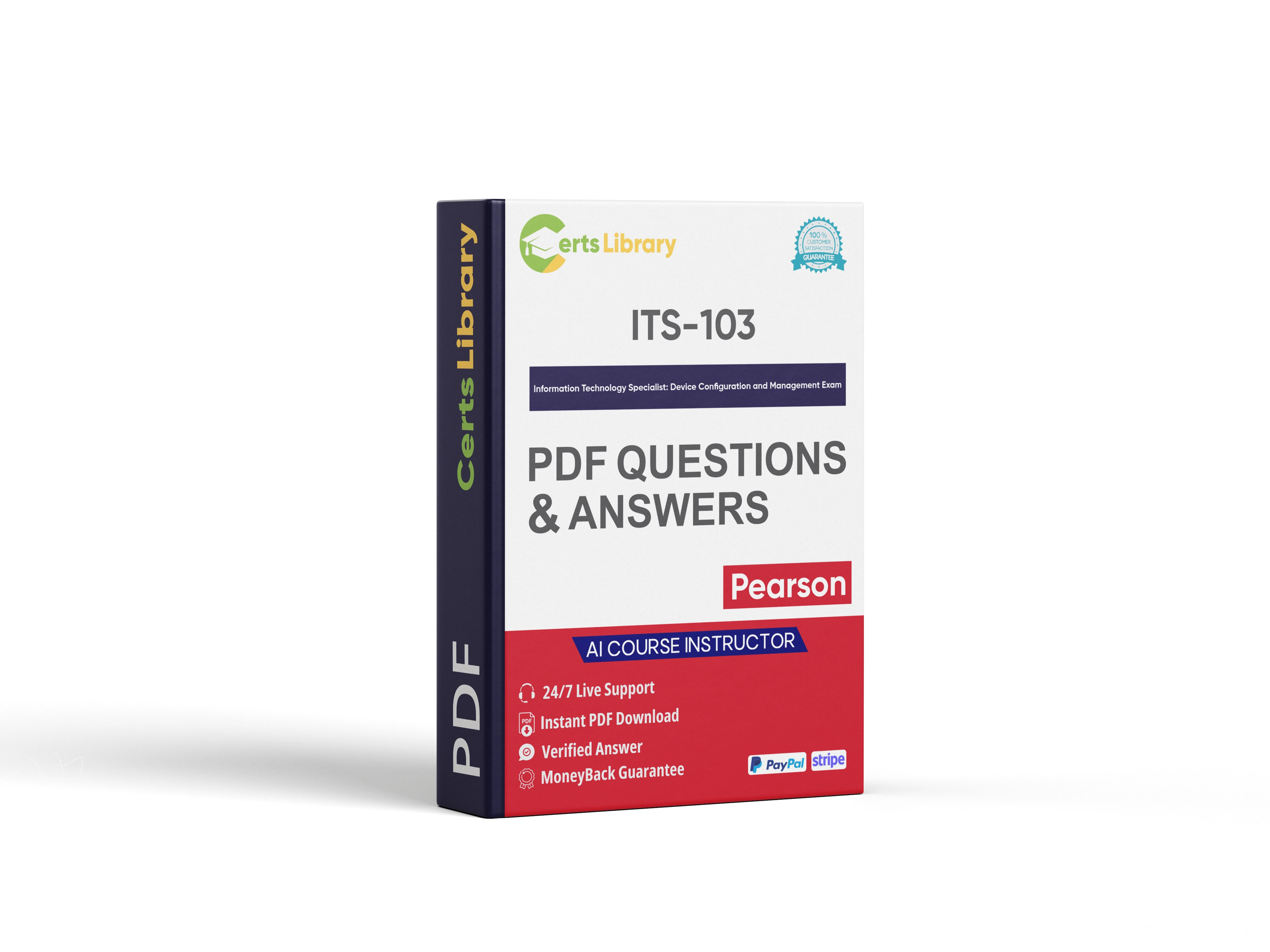
The CertsLibrary ITS-103 practice set includes 98 questions for reviewing foundational device configuration and management skills. Choose a downloadable PDF for self-paced review, a web-based test engine for interactive practice, or an AI-powered study option.
The Information Technology Specialist: Device Configuration and Management certification covers five areas:
- Windows installation and configuration: Set up Windows, manage accounts, and configure system settings.
- Application and peripheral management: Install applications, manage Windows features, and troubleshoot connected devices.
- Data access and management: Work with files, storage, permissions, backups, and recovery.
- Device security: Protect accounts, configure authentication, and manage device security.
- Troubleshooting: Diagnose common Windows, application, networking, and peripheral problems.
Pearson also offers Windows 10 and Windows 11 versions of the certification assessment. Confirm that your practice questions match the version you plan to take.
Explore ITS-103 Practice Options
Which ITS-103 Practice Format Should You Choose?
Choose the ITS-103 PDF if you prefer reading and reviewing questions at your own pace. The web test engine supports interactive practice, while the AI test engine offers AI-powered analysis. Bundles combine formats at a lower total price than purchasing them separately.
| Practice Format | Best Suited For | Price |
|---|---|---|
| ITS-103 PDF Questions & Answers | Self-paced reading and review | $40 |
| Web-Based Test Engine | Interactive practice | $50 |
| AI Test Engine | AI-powered practice and analysis | $65 |
| PDF + Web Test Engine | PDF and interactive practice | $70 |
| PDF + AI Test Engine | PDF and AI-assisted practice | $90 |
| All-in-One Bundle | All three practice formats | $100 |
Save $55 with the ITS-103 All-in-One Bundle
Purchasing the PDF ($40), web test engine ($50), and AI test engine ($65) separately costs $155.
The All-in-One Bundle costs $100, saving $55, or approximately 35% compared with purchasing all three formats separately.
If you want to study from a PDF and also practice interactively, compare the available bundles before buying individual formats.
Get Complete ITS-103 Practice Access — $100
ITS-103 Exam at a Glance
The ITS-103 exam is associated with Pearson Certiport's Information Technology Specialist: Device Configuration and Management certification. It assesses foundational skills needed to configure, secure, and troubleshoot Windows devices. The certification is designed for students, aspiring help desk technicians, and candidates beginning careers in IT support.
| Exam Detail | Information |
|---|---|
| Certification | Information Technology Specialist: Device Configuration and Management |
| Provider | Pearson Certiport |
| Exam Code Used on This Page | ITS-103 |
| Alternative Product Code | INF-103 on Pearson Mindhub |
| Target Level | Foundational |
| Exam Duration | 50 minutes |
| Estimated Exam Question Count | 31–41 |
| Objective Areas | Five |
| Windows Variants | Windows 10 and Windows 11 |
| Mandatory Prerequisites | None identified |
| Passing Score | Confirm with Certiport |
The estimated exam question count is different from the number of questions in CertsLibrary's practice product. The actual certification assessment and the practice bank are separate products.
What Topics Are Covered in the ITS-103 Exam?
The Information Technology Specialist: Device Configuration and Management certification covers Windows installation and configuration, applications and peripherals, data access, device security, and troubleshooting. Candidates should be able to apply these skills to everyday desktop support scenarios, not simply recognize technical terms.
1. Windows Installation and Configuration
This area focuses on preparing Windows devices for use. You should understand installation and upgrade choices, user accounts, desktop settings, network configuration, and Windows features.
Important topics:
- Perform Windows installations and upgrades.
- Configure local user accounts and sign-in settings.
- Manage Windows desktop and system settings.
- Configure network connections and device connectivity.
- Identify supported Windows features and optional components.
- Understand accessibility and device configuration options.
- Recognize Windows 10 and Windows 11 interface differences.
Study tip: Practice navigating Windows Settings, Device Manager, and common administrative tools rather than memorizing menu names alone.
2. Application and Peripheral Management
This area tests how you install, configure, and troubleshoot applications and hardware devices. You should recognize common connectors, manage device drivers, and understand how Windows features support different user requirements.
Important topics:
- Install, update, and remove Windows applications.
- Enable and disable optional Windows features.
- Manage printers, displays, cameras, and external storage.
- Compare HDMI, VGA, DVI, and USB-C connectivity.
- Identify common USB standards and their capabilities.
- Use Device Manager to inspect hardware status.
- Understand kiosk and restricted-use device configurations.
- Troubleshoot application compatibility and missing components.
Study tip: Build familiarity with real hardware connections. Knowing which connector carries video, audio, or power helps you eliminate incorrect answers.
3. Data Access and Management
This area focuses on storing, sharing, protecting, and recovering data. You should understand local and cloud storage, Windows file permissions, network shares, and backup methods.
Important topics:
- Manage local files and folders.
- Configure NTFS and share permissions.
- Understand effective permissions when accessing network shares.
- Compare full, incremental, and differential backups.
- Recognize cloud storage and synchronization options.
- Map network drives and access shared resources.
- Understand data retention and recovery requirements.
- Select appropriate storage solutions for different scenarios.
Study tip: Practice calculating effective access permissions. When accessing a shared folder over the network, both share permissions and NTFS permissions can affect access.
4. Device Security
This area covers the controls used to protect Windows devices and user information. You should understand authentication, access restrictions, security updates, and common endpoint protection features.
Important topics:
- Configure passwords and authentication settings.
- Understand multifactor authentication.
- Recognize Windows Hello capabilities.
- Understand encryption and BitLocker fundamentals.
- Configure appropriate user permissions.
- Identify malware and common device security risks.
- Manage updates and endpoint protection settings.
- Apply basic security principles to shared and business devices.
Study tip: Learn which security control addresses each threat. Encryption protects stored data, while authentication and authorization control access.
5. Troubleshooting
Troubleshooting questions require you to identify the likely cause of a problem and select a suitable diagnostic action. You should understand Windows recovery tools, device drivers, network connectivity, and common application failures.
Important topics:
- Diagnose device driver errors.
- Troubleshoot network connectivity problems.
- Recognize APIPA addresses and default gateway issues.
- Use Safe Mode and Windows recovery options.
- Troubleshoot printers and external peripherals.
- Investigate application installation failures.
- Use Event Viewer and Reliability Monitor.
- Identify when to update, roll back, or reinstall drivers.
Study tip: Begin with the symptoms and use the least disruptive diagnostic action. Avoid resetting or reinstalling Windows before checking simpler causes.
Four-Week ITS-103 Study Plan
A four-week ITS-103 study plan can help students and entry-level IT candidates organize their preparation. Begin with Windows configuration, then study applications, data management, security, and troubleshooting. Use the final week to review weak areas and practice solving unfamiliar problems.
| Week | Study Focus | Practical Activity |
|---|---|---|
| Week 1 | Windows installation and configuration | Set up Windows in a test environment and manage accounts and settings |
| Week 2 | Applications, peripherals, and data | Install applications, inspect drivers, create shares, and test permissions |
| Week 3 | Device security and recovery | Explore Windows Hello, BitLocker, backups, and recovery tools |
| Week 4 | Troubleshooting and practice | Diagnose networking and device issues and review missed questions |
How to Review Your ITS-103 Practice Results
Start with a diagnostic set of questions. Group incorrect answers by the five exam objectives, then reproduce the relevant configuration or troubleshooting scenario in Windows.
Review explanations and compare your reasoning with the correct technical behavior. Revisit missed questions after practicing the underlying skill.
A personal target of 80% or higher on unfamiliar practice questions may help you track progress, but it is not an official passing requirement and does not guarantee certification success.
Start Your ITS-103 Practice Plan
ITS-103 Dumps vs. Practice Questions: What's the Difference?
People searching for ITS-103 dumps may be looking for downloadable certification questions and answers. However, dumps can contain unauthorized copies of live exam material. Using such material may violate certification security rules and does not necessarily help you develop practical troubleshooting skills.
Original ITS-103 practice questions based on published objectives are a better way to review Windows configuration, permissions, security, and device management.
Also check whether the practice set covers the Windows 10 or Windows 11 exam version you plan to take.
Ready to Review Your ITS-103 Knowledge?
The ITS-103 exam evaluates foundational Windows device configuration and management skills. CertsLibrary offers 98 practice questions in PDF, web test engine, and AI test engine formats to help you review technical concepts and identify areas for further study.
Choose the format that suits your learning routine and supplement your preparation with hands-on Windows exercises.
PDF $40 | Web Test Engine $50 | AI Test Engine $65 | All-in-One Bundle $100
For historical Windows client administration exam content, see the MD-100 exam questions;.
Frequently Asked Questions About the ITS-103 Exam
1. What Is the ITS-103 Exam?
The ITS-103 exam refers to the Information Technology Specialist: Device Configuration and Management certification offered through Pearson Certiport. It assesses foundational Windows device setup, application management, data access, security, and troubleshooting skills. The certification is designed for students and entry-level IT support candidates.
2. Is ITS-103 the Same as INF-103?
ITS-103 and INF-103 are codes used by different preparation providers for the Information Technology Specialist: Device Configuration and Management certification. CertsLibrary uses ITS-103, while Pearson Mindhub's MeasureUp practice product uses INF-103. Candidates should verify the exact assessment and Windows version when registering through Certiport.
3. How Long Is the ITS-103 Exam?
Pearson's Device Configuration and Management certification bundle lists a maximum exam duration of 50 minutes. It estimates 31–41 questions on the certification assessment. This differs from the 98 questions in CertsLibrary's practice bank.
4. Does ITS-103 Cover Windows 11?
Yes. Pearson Certiport introduced a Windows 11 version of the Device Configuration and Management assessment. Its updated content includes Windows Hello and newer Windows concepts. Candidates should check whether their chosen study materials cover the Windows 10 or Windows 11 assessment version.
5. What Is the ITS-103 Passing Score?
A third-party preparation provider lists a scaled passing score of 700 out of 1000 for ITS-103, but this figure has not been independently confirmed from an official Certiport source. Candidates should verify the current passing requirements through Certiport or their authorized testing center.
6. Does CertsLibrary Offer an ITS-103 PDF?
Yes. CertsLibrary lists an ITS-103 PDF questions-and-answers product containing 98 questions for $40. Web and AI test engine options are also available. The displayed question-bank update date is September 24, 2026. Candidates should confirm which Windows exam variant the questions cover.
7. Are ITS-103 Dumps the Same as Practice Questions?
No. Original ITS-103 practice questions assess published certification objectives, while dumps may contain unauthorized live exam content. Practice questions with technical explanations are more useful for learning Windows configuration, permissions, security, and troubleshooting.
8. Which ITS-103 Mock Test Format Should I Choose?
Choose the ITS-103 PDF for reading and reviewing questions at your own pace. The web test engine supports interactive practice, while the AI test engine provides an AI-powered study option. CertsLibrary's $100 All-in-One Bundle combines all three formats and saves $55 compared with purchasing them separately.
9. Is ITS-103 Suitable for Beginners?
Yes. The Information Technology Specialist: Device Configuration and Management certification is designed for foundational IT skills. It is suitable for students, aspiring help desk technicians, and people beginning IT support careers. Familiarity with Windows, basic networking, files, and computer hardware is helpful, but advanced enterprise administration experience is not required.
10. How Should I Prepare for the ITS-103 Exam?
Begin with the current Pearson Certiport objectives and select the Windows exam version you plan to take. Practice Windows installation, application management, file permissions, backups, device security, and troubleshooting. Use original practice questions to identify weak areas, and reinforce your knowledge through hands-on Windows exercises.